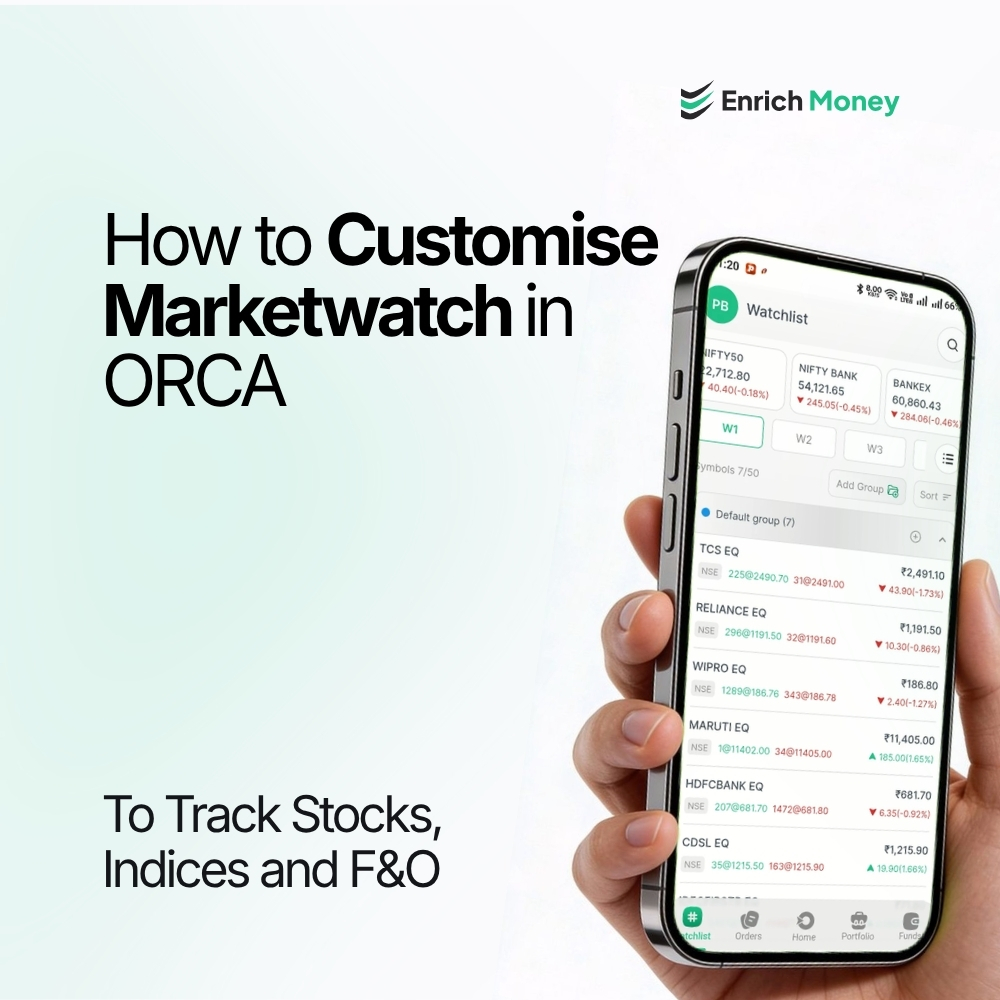
How to Customise Marketwatch in ORCA to Track Stocks, Indices and F&O
Introduction
Monitoring several stocks, indices and derivative contracts can involve repeatedly switching between different instruments. A customisable watchlist can bring frequently monitored securities into one place. For traders looking for a best intraday trading app, ORCA Marketwatch enables convenient tracking of selected stocks, indices, Nifty and Bank Nifty options, along with other Futures & Options (F&O) contracts.
The watchlist can also be arranged using Last Traded Price (LTP) and Percentage Change, allowing users to organise the instruments according to the market information being monitored.
Understanding Marketwatch in ORCA
Marketwatch is a personalised monitoring space within ORCA where selected market instruments can be added and viewed together. Instead of searching for the same securities repeatedly, users can create a list containing the instruments they want to follow.
The list can include individual stocks, broad market indices and derivative contracts. This makes it possible to create different combinations based on the instruments being monitored during a trading session.
Building a Focused Watchlist
Creating a Marketwatch starts with adding the required instruments. After opening the ORCA app or logging in to the ORCA web platform, navigate to Marketwatch and select Add Instrument. Search for the required security and click Add.
The same process can be used across different instrument categories.
Stocks and Market Indices
Individual stocks can be added when specific companies are being monitored. Market indices such as Nifty 50 and Sensex can also be included.
To add an index, select Add Instrument, search for the required index and click Add. Keeping selected indices alongside stocks provides a single view of the market instruments being followed.
Nifty and Bank Nifty Options
For users monitoring index derivatives, ORCA allows Nifty Options and Bank Nifty Options to be added to Marketwatch.
Select Add Instrument, choose the relevant options category, search for the required contract and click Add. Specific option contracts can therefore remain available in the watchlist without having to search for them repeatedly.
Futures and Other F&O Contracts
The watchlist can also include Futures & Options contracts. Select Add Instrument, choose Futures & Options, search for the required contract and add it to the list.
This allows selected futures and options contracts to be monitored alongside stocks and indices.

Creating a Watchlist Around the Instruments Being Monitored
A Marketwatch does not have to contain every available instrument. It can instead be built around a specific set of securities being followed.
|
Instrument type |
Examples |
|
Stocks |
Selected individual stocks |
|
Indices |
Nifty 50, Sensex and other indices |
|
Options |
Nifty and Bank Nifty option contracts |
|
F&O |
Selected futures and options contracts |
For users exploring the best trading app in India for beginners, starting with a focused watchlist can also make it easier to understand how different market instruments are displayed and monitored.
For example, a watchlist may contain an index, selected stocks and relevant derivative contracts. The instruments can be changed as the focus of market monitoring changes.
Arranging Stocks by LTP and Percentage Change
Adding instruments is only one part of organising a watchlist. ORCA also provides an option to arrange stocks using LTP or Percentage Change.
To do this, open the Watchlist and select the relevant LTP or Percentage Change column heading. The stocks can then be arranged according to the selected column.
This provides an additional way to organise the instruments already present in the watchlist.
When LTP Is Not Visible in Marketwatch
At times, LTP may not be visible or may appear as zero in Marketwatch. In such cases, the first step is to check whether the internet connection is stable.
If the issue continues, refresh the Marketwatch page or restart the ORCA app. These are the troubleshooting steps provided for cases where LTP is not displaying correctly.
Using Marketwatch as Part of the ORCA Workflow
Marketwatch can act as a starting point for monitoring selected instruments in ORCA. Once the required stocks, indices or derivative contracts have been added, the watchlist can be organised using available columns such as LTP and Percentage Change.
From there, users can move to other ORCA features for further analysis, depending on the instrument and activity being monitored.
For example, a Marketwatch containing an index, selected stocks and relevant F&O contracts can provide one place to keep track of those instruments during a trading session. The watchlist can then be adjusted whenever the securities being monitored change.
For users looking for a stock market app for beginners, learning to create and maintain a focused Marketwatch can be a practical first step towards understanding how different market instruments are monitored.
Frequently Asked Questions
How can an instrument be added to Marketwatch in ORCA?
Open the ORCA app or web platform, navigate to Marketwatch, select Add Instrument, search for the required instrument and click Add.
Can Nifty 50 and Sensex be added to ORCA Marketwatch?
Yes. Select Add Instrument, search for Nifty 50, Sensex or another required index and click Add.
Can Nifty and Bank Nifty options be added to Marketwatch?
Yes. Select Add Instrument, choose Nifty Options or Bank Nifty Options, search for the required contract and add it to the watchlist.
Can Futures and Options contracts be added to Marketwatch?
Yes. Select Add Instrument, choose Futures & Options, search for the required contract and click Add.
Can stocks be arranged according to LTP or Percentage Change?
Yes. Open the Watchlist and select the LTP or Percentage Change column heading to arrange the stocks.
What should be done if LTP shows zero in Marketwatch?
Check the internet connection first. If LTP remains unavailable, refresh the Marketwatch page or restart the ORCA app.
Disclaimer: This blog is dedicated exclusively for educational purposes. Please note that the securities and investments mentioned here are provided for informative purposes only and should not be construed as recommendations. Kindly ensure thorough research prior to making any investment decisions. Participation in the securities market carries inherent risks, and it's important to carefully review all associated documents before committing to investments. Please be aware that the attainment of investment objectives is not guaranteed. It's important to note that the past performance of securities and instruments does not reliably predict future performance.