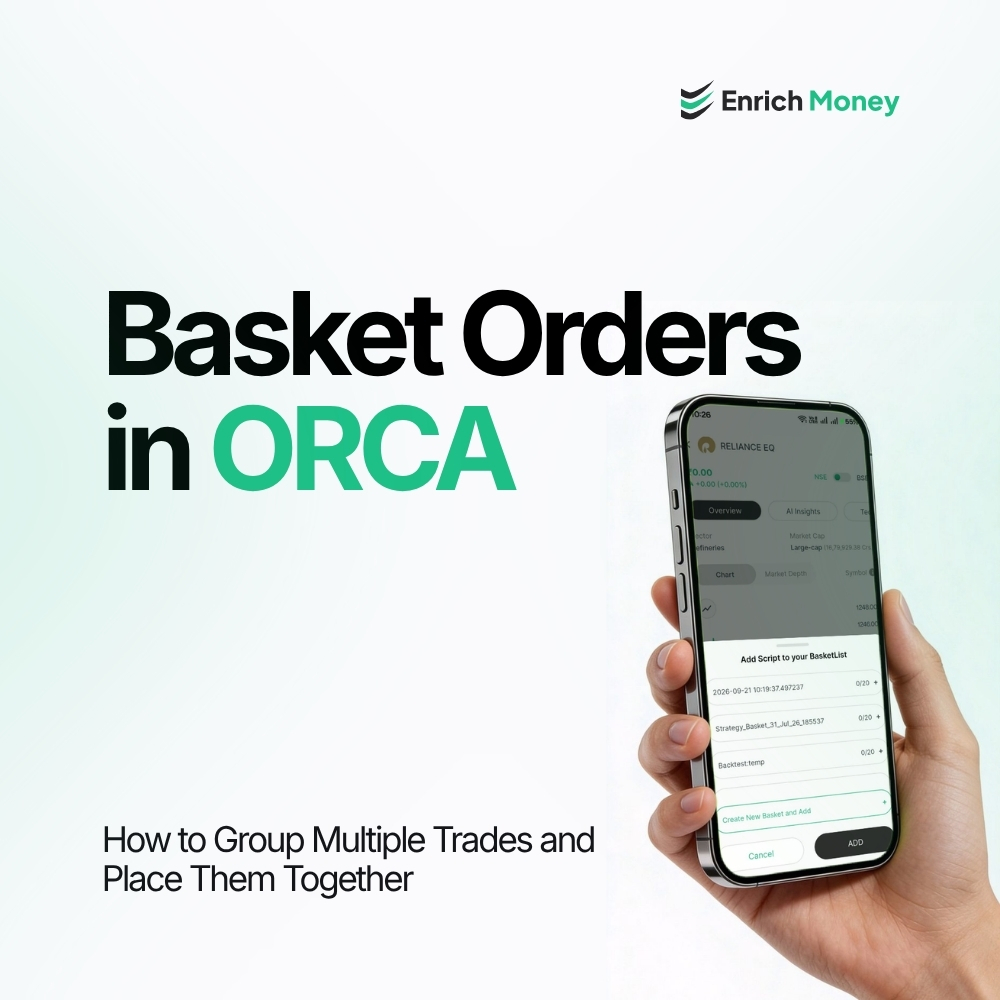
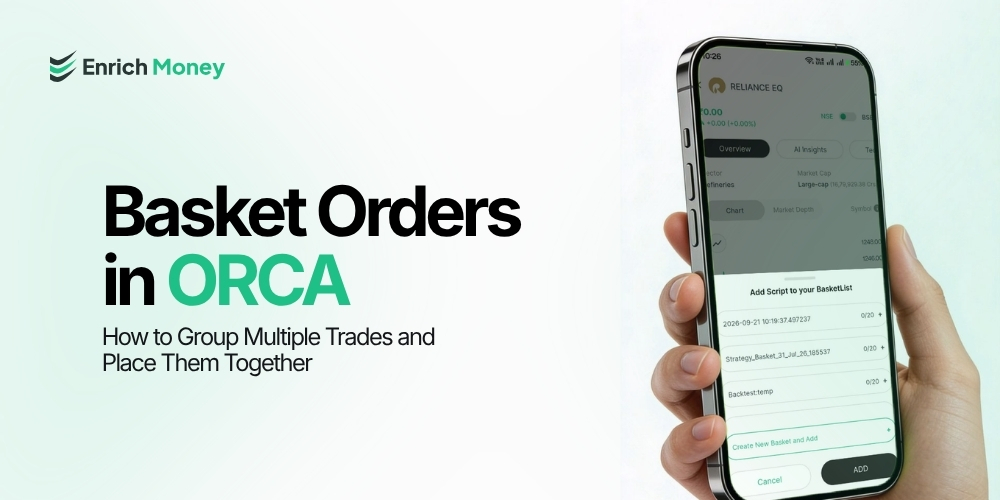
Basket Orders in ORCA: How to Group Multiple Trades and Place Them Together
Introduction
Managing multiple buy or sell orders individually can be time-consuming, particularly when a trading strategy involves several stocks or options positions. Basket Order in ORCA allows traders to group related orders together, making multiple trades easier to organise and manage. The feature is designed to simplify the process of handling multiple orders from one place . For traders comparing trading apps, features such as basket orders can help streamline order management when dealing with multiple positions.
What Is a Basket Order in ORCA?
A Basket Order allows traders to create a basket containing multiple buy or sell orders for selected scripts. Instead of managing every order separately, related orders can be grouped into a single basket . ORCA provides access to the Basket facility through the Orders section. Traders can view existing baskets, create a new basket and add scripts to a selected basket. The feature can be useful for managing multiple trades that form part of the same trading plan. ORCA also supports basket functionality for organising multiple trades and strategies.
How to Add a Stock to a Basket in ORCA
Adding a stock to a basket involves a few simple steps:
-
Select the desired stock or script and open the Order Panel.
-
Select “Basket Order” from the available order options.
-
Once enabled, ORCA displays the existing baskets along with an option to Create New Basket.
-
Select the basket to which the stock needs to be added.
-
The selected script is then added to the chosen basket.

ORCA Order Panel showing the Basket Order option under the Orders section . Traders can use this process to organise multiple orders based on their trading requirements. Those evaluating an equity trading platform may also consider how easily it allows multiple orders to be grouped and managed.
How to View and Manage Baskets in ORCA
Once baskets have been created, users can access them from the Basket section under Orders.The Basket screen displays the baskets created by the user along with details such as the basket name, number of items and creation date. The screen also provides options to manage existing baskets and create a new one . Users can select “New Baskets” to create another basket. Existing baskets can also be managed using the available edit and delete options.

ORCA Basket section showing existing baskets, item count, creation date and basket management options.
Why Use Basket Orders?
Basket Orders can be useful when a trading plan involves multiple related orders. Instead of repeatedly searching for individual scripts and managing each order separately, traders can group the required orders within a basket . For example, a trader following a strategy involving multiple positions can add the relevant scripts to a basket and manage them together. This can make the overall order-management process more structured and convenient . ORCA's Basket Order functionality is also designed to simplify the handling of multiple securities and can support more efficient execution of multi-leg or multiple-position strategies. However, traders should review the quantity, price, order type and other details of each order before submitting trades.
Basket Order: What It Means for Traders
A Basket Order is primarily an order-management feature. It allows multiple stock orders to be grouped into a basket within the Order Panel . It should not be confused with a stock portfolio or an investment product. The purpose here is to organise trading orders, making it easier to manage multiple buy or sell instructions . For traders using a trading account, this can be particularly useful when a strategy requires several positions to be planned and managed together.
Conclusion
Basket Orders in ORCA provide a convenient way to group and manage multiple trading orders. Traders can select a script, access Basket Order from the Order Panel, and add it to an existing basket or create a new one. The dedicated Basket section also allows users to view and manage the baskets they have created . By organising related orders in one place, the feature can make managing multiple trades more structured. However, each order should be reviewed carefully before execution to ensure that the trade details match the intended strategy.
Frequently Asked Questions
What is a Basket Order in ORCA?
A Basket Order allows traders to group multiple stock buy or sell orders together for easier order management.
How can a stock be added to a Basket Order in ORCA?
Select the stock, open the Order Panel, choose Basket Order, and then select an existing basket or create a new one.
Can a new basket be created in ORCA?
Yes. The Basket Order option provides a Create New Basket option for organising orders.
What is the purpose of a Basket Order?
It helps traders group and manage multiple stock orders together instead of handling each order separately.
Disclaimer : This blog is dedicated exclusively for educational purposes. Please note that the securities and investments mentioned here are provided for informative purposes only and should not be construed as recommendations. Kindly ensure thorough research prior to making any investment decisions. Participation in the securities market carries inherent risks, and it's important to carefully review all associated documents before committing to investments. Please be aware that the attainment of investment objectives is not guaranteed. It's important to note that the past performance of securities and instruments does not reliably predict future performance.