When Markets Move Fast: Using ORCA Scalper Mode for Short-Duration Trades
Introduction
Intraday trading often demands speed, clarity, and decisive execution. When futures break key levels within minutes of market open, traders cannot afford delays caused by fragmented screens or repeated tab switching.
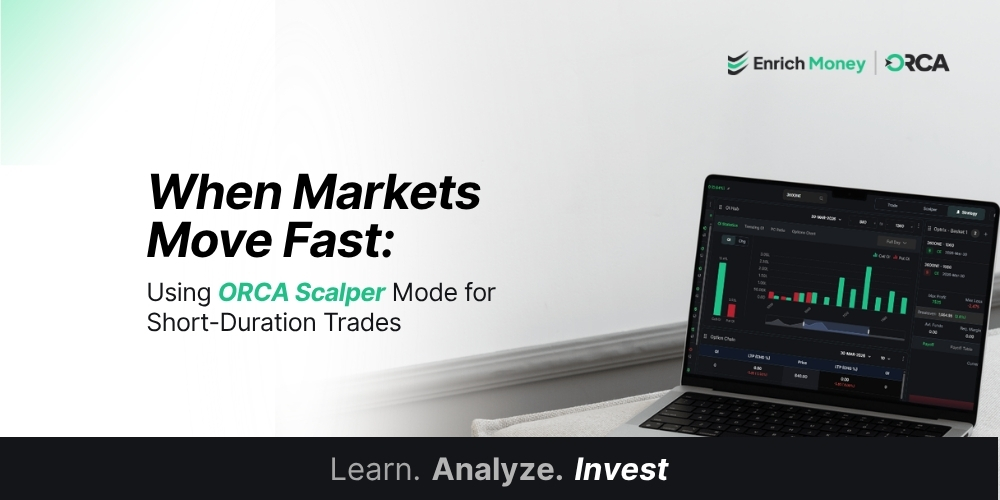
ORCA Scalper Mode is built specifically for such fast-moving environments. By bringing futures and options charts together within a single, synchronized workspace, it supports short-duration trading with greater structure and visibility.
Rather than adding complexity, Scalper Mode simplifies observation and execution when timing becomes critical.
Built for Fast-Moving Market Conditions
Volatile sessions especially during the first hour of trading often create rapid price expansion in futures, accompanied by quick changes in call and put premiums.
In a typical setup, traders may need to:
-
Monitor futures direction
-
Check at-the-money CE movement
-
Track PE reaction
-
Open a separate order window
Switching between these elements can interrupt focus.
Scalper Mode reduces this friction by displaying:
-
Futures chart
-
Call option (CE) chart
-
Put option (PE) chart
together on one screen, aligned in real time.
This synchronized layout supports faster assessment during high-momentum periods.
Scenario 1 – Managing an Opening Range Breakout
Consider a common intraday situation.
Nifty Futures breaks above a resistance level within the first 30 minutes. Volume increases. The at-the-money call option begins expanding rapidly, while the put option weakens.
A trader evaluating this move typically considers:
-
Is the breakout sustaining?
-
Is CE premium expanding proportionally?
-
Is PE reacting as expected?
With all charts visible simultaneously, confirmation becomes more efficient. There is no need to move between tabs to validate alignment.
This structured visibility supports quicker decision cycles in short-duration trades.
Scenario 2 – Identifying a False Breakout Early
Markets frequently create brief spikes that reverse quickly.
Suppose futures move above resistance but form a rejection work shortly after. At the same time:
-
CE premium fails to sustain momentum
-
PE premium begins strengthening
Because Scalper Mode presents all related charts together, this shift becomes immediately visible.
This integrated view supports timely reassessment without disrupting workflow.
What Traders Access Inside Scalper Mode
Scalper Mode is not a signal generator. It is a structured execution environment.
Within this mode, traders can access:
-
Real-time synchronized Futures, CE, and PE charts
-
Quick Buy and Sell execution controls
-
Immediate visibility of premium behaviour
-
A layout optimized for short-duration trades
-
Reduced screen dependency during volatile sessions
By combining monitoring and execution in one interface, Scalper Mode streamlines the trading process for active market conditions.
Where Scalper Mode Fits Within ORCA
ORCA is designed around trading intent.
-
Investor Mode supports long-term portfolio tracking.
-
Strategy Mode (Optrix) supports structured multi-leg options strategies.
-
Trade Mode supports general order placement.
-
Scalper Mode supports rapid intraday execution.
Each environment aligns with a different objective.
Scalper Mode is particularly relevant when:
-
Volatility increases
-
Futures move decisively
-
Entries and exits are closely timed
Supporting Structured Intraday Trading
Short-duration trading requires clarity, not clutter.
Scalper Mode transforms fragmented chart monitoring into a focused execution workspace. By aligning futures and option premiums on one screen, it supports organized observation during rapid price movement.
Instead of reacting late due to screen navigation delays, traders can evaluate alignment and act within the same environment.
In volatile markets where timing matters, Scalper Mode strengthens workflow efficiency inside ORCA.
Frequently Asked Questions
What is ORCA Scalper Mode designed for?
Scalper Mode is structured to support short-duration intraday trades by displaying Futures, CE, and PE charts together in a synchronized layout.
Does Scalper Mode provide trading signals?
No. Scalper Mode does not generate signals. It provides a streamlined workspace for monitoring and executing trades efficiently.
Can trades be executed directly within Scalper Mode?
Yes. Scalper Mode integrates Buy and Sell controls within the same screen to support quicker order placement.
When is Scalper Mode most relevant?
It is particularly relevant during volatile sessions such as opening breakouts, momentum moves, or rapid reversals.
How is Scalper Mode different from Strategy Mode in ORCA?
Strategy Mode focuses on multi-leg options strategies with risk analytics. Scalper Mode focuses on short-duration trades requiring quick observation and execution.
Disclaimer: This blog is dedicated exclusively for educational purposes. Please note that the securities and investments mentioned here are provided for informative purposes only and should not be construed as recommendations. Kindly ensure thorough research prior to making any investment decisions. Participation in the securities market carries inherent risks, and it's important to carefully review all associated documents before committing to investments. Please be aware that the attainment of investment objectives is not guaranteed. It's important to note that the past performance of securities and instruments does not reliably predict future performance.